Advanced detailing power directly in Autodesk Revit®

Work directly in Autodesk Revit® - the platform your team already knows, while extending it with powerful timber framing, detailing, and automation. No extra onboarding, no rework, no gap between design and manufacturing through clean exports.
DOWNLOAD BROCHURE
hsbDesign is trusted by leading companies in the offsite timber industry

Advanced detailing power directly in Autodesk Revit®.
hsbDesign turns your Revit® model to production-ready data, so what you design is exactly what gets built.

By connecting design, framing, and manufacturing in one environment, it removes repetitive work, reduces errors, and gives your team full control from concept to factory output. The result: faster design cycles, fewer mistakes, and a smoother path from model to production.

Discover the benefits of hsbDesign for Revit®

Explore the benefits that connect design, detailing, and production, giving you more control, less rework, and a clearer path to manufacturing.

Main Benefits
Technical Features
Exporter
Export machine-ready data directly from the Revit model to automate manufacturing workflows and reduce manual work.
Watch video
Flexibility
Adapt the software to match your company standards and way of working, without sacrificing speed, control, or accuracy.
Watch video
Detailing
Generate annotations, dimensions, and schedules directly from the model, keeping everything consistent, up to date, and aligned across your project.
Watch video
Eliminate Redundancies
Automate repetitive tasks between 2D and 3D workflows, so your team spends less time on manual updates and more time on design.
Watch video
Connected Workflow
Extend your workflow beyond design by giving the shop floor real-time access to up-to-date drawings and data, reducing errors, improving collaboration, and saving up to 20% design time.
Watch video
Design for Manufacturing
Design with production in mind from day one, creating models that are not just accurate but ready for manufacturing, reducing redesign work later in the process.
Watch video
3D Models
Develop parametric 3D models enriched with data, allowing your design to move seamlessly from concept through detailing to manufacturing.
Watch video
Plug-in Toolsets
Work with specialized toolsets tailored to your construction method, without needing to switch platforms or workflows.
Watch video
Export Manager
Generate BOMs, schedules, and CNC-ready data from one place, keeping your model as the single source of truth from design through to production.
Watch video
Group Manager
Add blocking, reinforcements, and production details, reducing manual input through automation while ensuring every element meets your standards and is ready for manufacturing.
Watch video
Validations Manager
Automatically check your model against design and manufacturing rules, so you can fix problems early, reduce rework, and deliver reliable outputs with confidence.
Watch video
Shop Drawings
Generate shop drawings directly from your model with one click of a button, eliminating manual redrafting, reducing errors, and ensuring the factory always works with the latest information.
Watch video
Detail Modifyer
Apply intelligent detailing rules while keeping flexibility for unique conditions, ensuring every connection is accurate, buildable, and carried through to production.
Watch video
Framing Styles Editor
Standardise how walls, floors, and roofs are framed by turning your company know-how into reusable rules, so every project is faster, consistent, and production-ready from the start.
Watch video

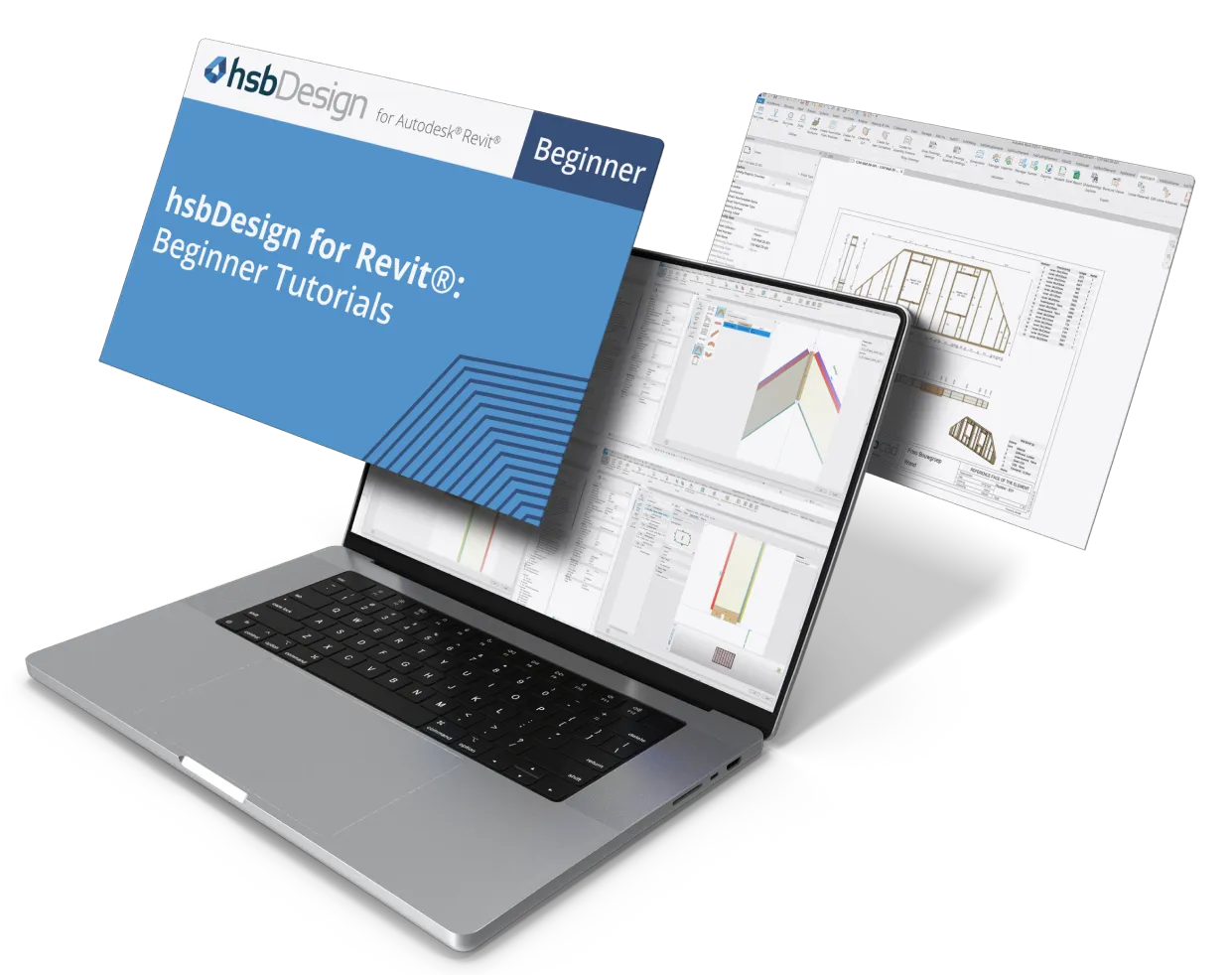
Learn how to use hsbDesign for Revit® to its full potential

Already started timber framing in hsbDesign for Autodesk Revit®? Watch our tutorial series to master the software faster!

Available across 3 levels of knowledge:

  • Beginner
  • Intermediate
  • Advanced
Watch Now on YouTube

Discover toolsets for hsbDesign for Revit®

hsbDesign was developed to provide more flexibility, detail, and precision within Revit®. Discover the range of dynamic toolsets that eliminate redundancies associated with 2D and 3D designs below.

Discover hybrid components for hsbDesign for Revit®

Hybrid components are toolsets that can be installed on every main toolset.

"
A special thanks to hsbcad for their continuous support and refinement of the hsbDesign for Revit® solution to meet our specific needs.
"
Mouad Ait hadda
-
Olyx Holzbausysteme
View client case

Download the hsbcad brochure

Discover our tools to empower every step of the process

Keith Cotter
Business Development Manager
Hi, I’m Keith Cotter. I’m happy to help with any question you have.
Get in touch